No scanner? No problem.
Just photograph each print with your phone, out of its frame if you can, in daylight without glare. We find the photo, straighten it, then restore it and bring it to life.
Hold your phone close and straight on, with no flash.
What We Handle for You
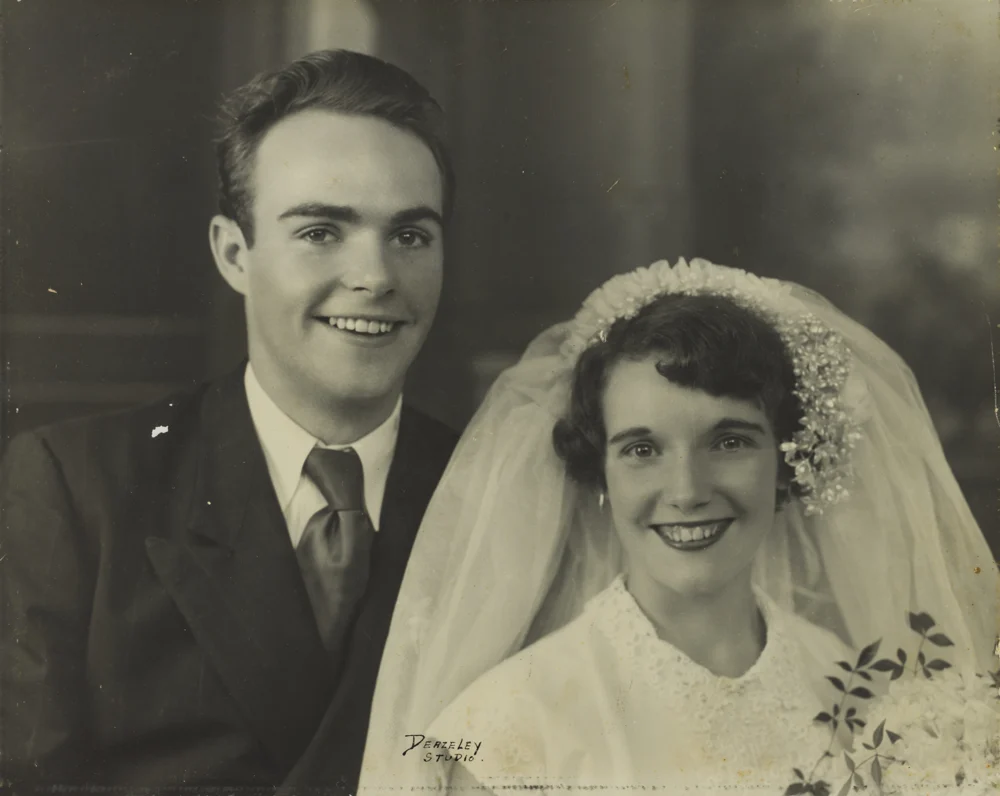
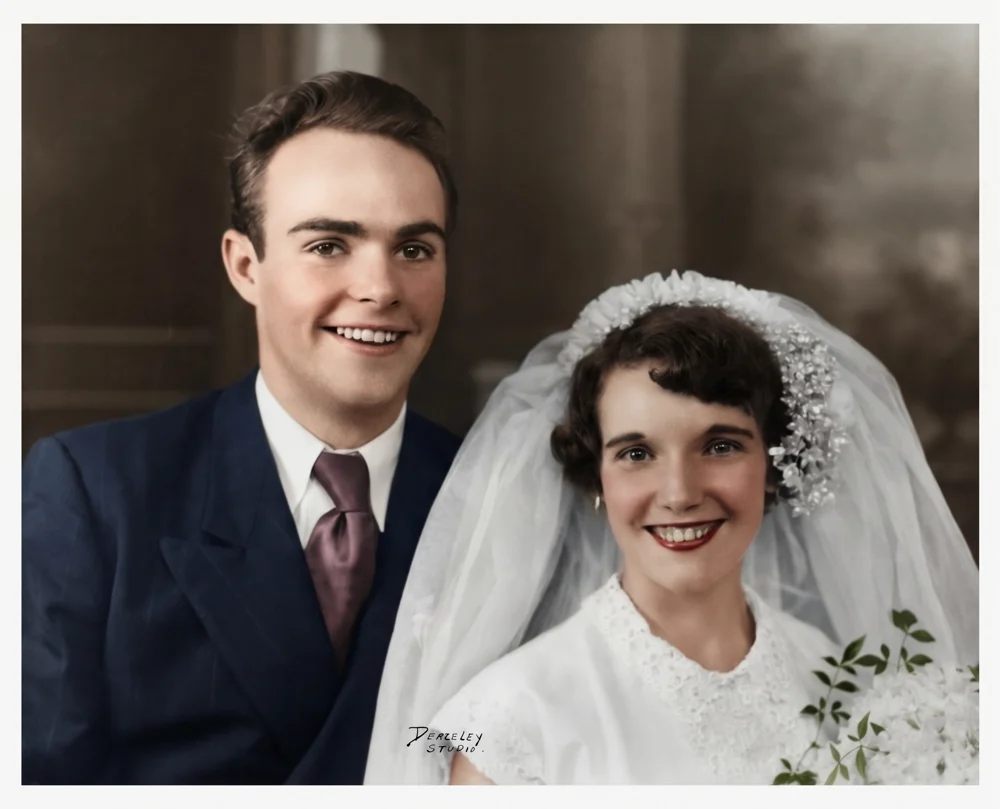
Old, faded or black and white
We restore every photo and colorize black and white, keeping everyone looking like themselves. Restored photo files come in both color and the original tone.
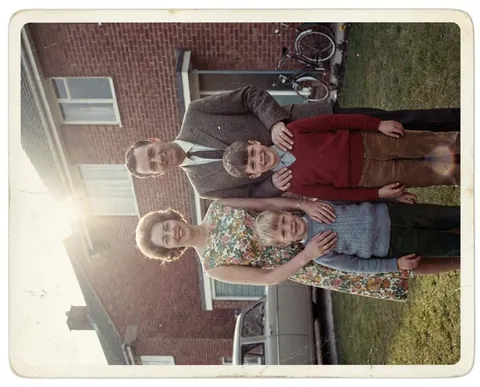
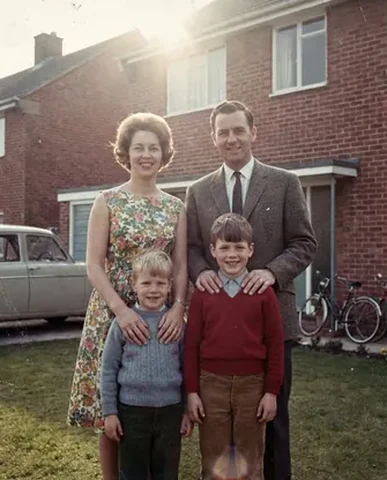
Sideways or tilted? No problem
Photos are turned the right way up and scans straightened for you.

White scanner borders
The white around a scanned print is trimmed away automatically.
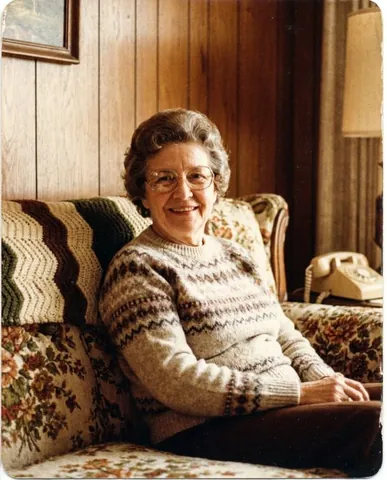
Clear faces, looking our way
Faces turned roughly towards the camera give the most natural movement.
- Faces turned away move gently. We don't try to draw a face we can't see, so someone turned away or cut off moves subtly.
- Pictures of people behind. Framed photos, posters and murals behind your people are kept still wherever we can, and we check every clip.
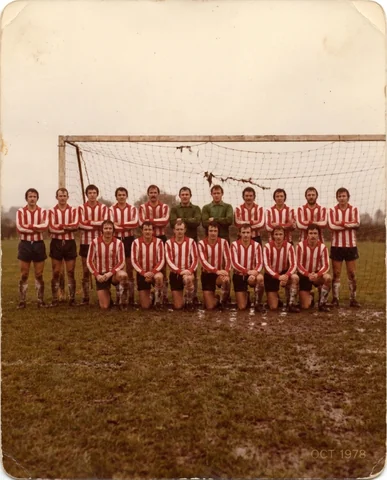
- Large groups. Photos with around eight or more people often don't move well, so there's a high chance a big group photo will be shown in your film as a still: beautifully restored, but without movement. We won't leave it out because it didn't move. Tip: crop to the people who matter. Faces that fill more of the frame move best.
- Babies and children without clothes. To protect children's privacy, we never animate photos of babies or children without clothes, such as bath time. They're shown in your film as a still: beautifully restored, but without movement.
- Several prints in one photo. Photograph or scan each print on its own, not a whole album page at once.
- Strong reflections across faces. Glare is usually cleared, but not when it covers a face. Take it out of the frame, or tilt it.
- Photos in a plastic album sleeve. If a photo is in a plastic album sleeve, take it out first if you can, or photograph it at a slight angle so the shine doesn't show.
- Tiny, heavily compressed images. Photos saved from messaging apps lose detail. Use the original if you have it.
- Photos of a screen. A photo of a photo on a phone or monitor picks up lines and glare. Use the original print.
Not sure about a photo? Upload it anyway. A real person makes sure every film is right before it reaches you.
Start your filmMost example photos are illustrations. The 1945 wedding portrait is a real archive photo, restored by Motion Memoirs.